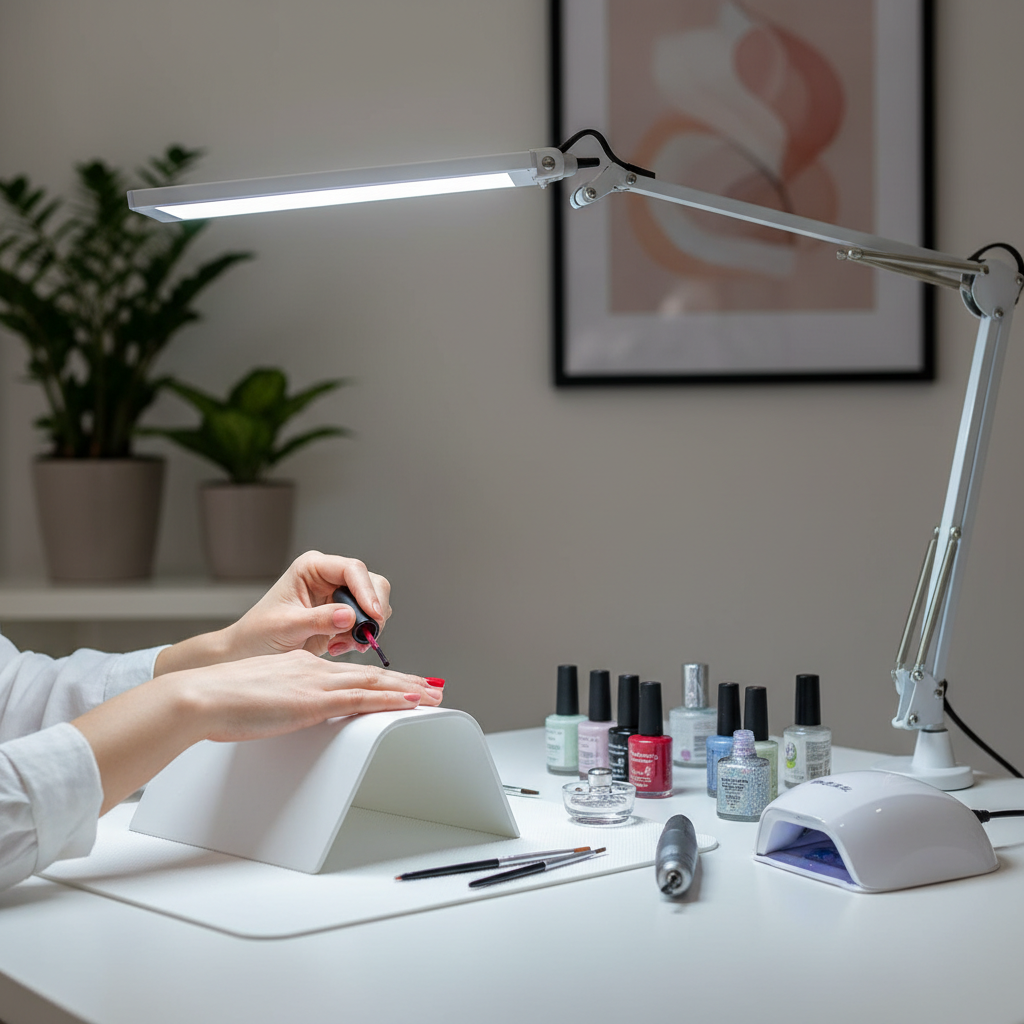
Have you ever found yourself squinting at your work, frustrated by persistent shadows that dance across your documents or screen? Poor lighting can transform a productive workspace into an arena of eye strain, headaches, and decreased efficiency. As someone who has spent over a decade immersed in the world of desk lamps, I understand the profound impact that proper illumination has on our daily tasks and overall well-being. It’s not just about turning on a light; it’s about strategically positioning your lamp to create an optimal, shadow-free environment that supports your eyes and boosts your productivity. This comprehensive guide will equip you with the knowledge to master desk lamp placement, banishing unwanted shadows and cultivating a truly comfortable and effective workspace.
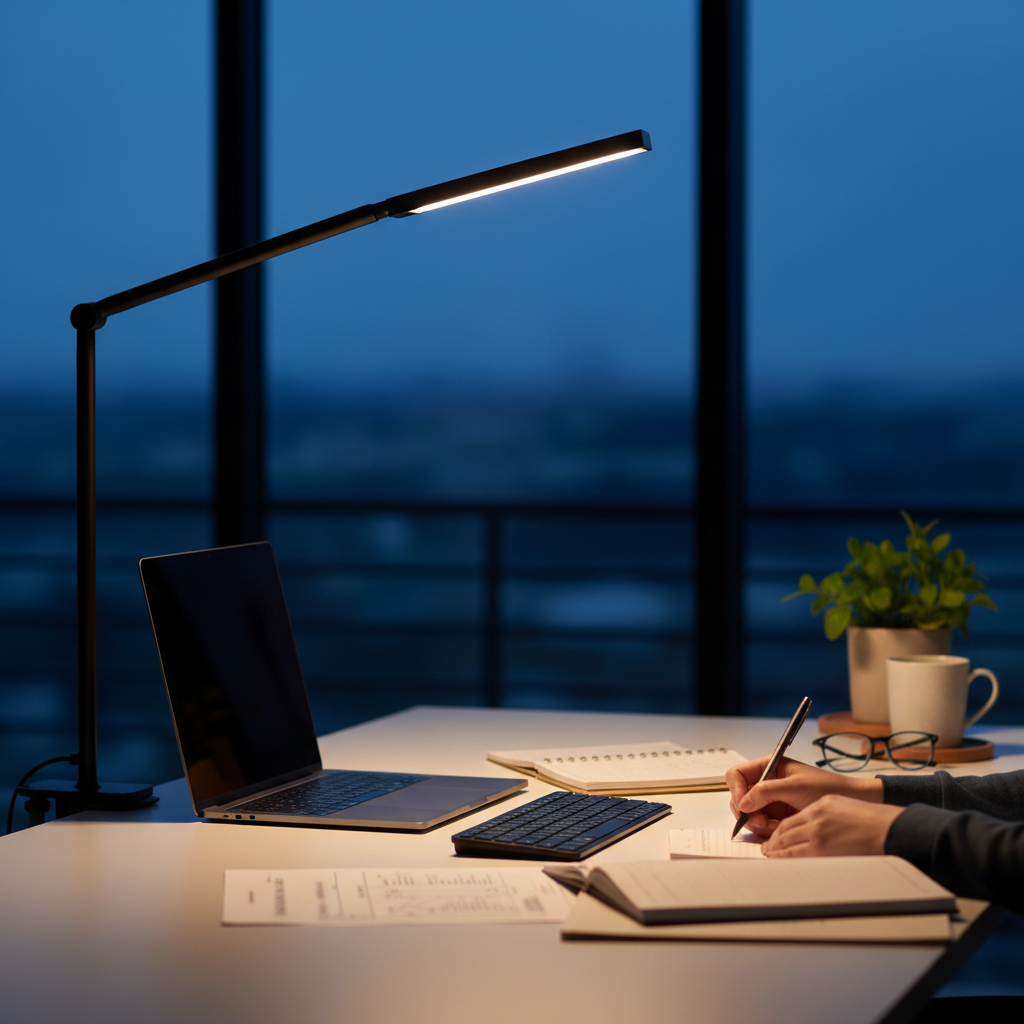
Understanding the Mechanics of Shadows and Light
Before we delve into specific placement strategies, it’s helpful to grasp the fundamental relationship between light sources and shadows. Shadows are simply areas where direct light from a source is blocked by an opaque object. The shape, size, and intensity of a shadow are determined by several factors: the size of the light source, its distance from the object, and its angle relative to both the object and the surface on which the shadow is cast.
When a light source is small and concentrated, it produces sharp, well-defined shadows. Conversely, a larger or diffused light source creates softer, more gradual shadows that are less distracting. On a desk, your hand, arm, head, or even objects like pens and monitors can become shadow-casting culprits if the lamp is poorly positioned. The goal of intelligent desk lamp placement is to direct the light in such a way that these unavoidable shadows fall away from your immediate work area, ensuring your focus remains on the task at hand, not on battling dimness or obstruction.
Optimal Desk Lamp Placement Strategies for Different Tasks
The “perfect” desk lamp position isn’t a one-size-fits-all solution; it often depends on the specific task you’re performing. What works for writing might not be ideal for computer work or video calls. Understanding these nuances is crucial for truly banishing shadows and creating a versatile, comfortable lighting setup.
For Writing and Reading (Manual Tasks)
When engaging in tasks that involve your hands, such as writing, drawing, or reading physical documents, the primary challenge is preventing your hand or arm from casting a shadow over your work.
-
The Dominant Hand Rule: This is arguably the most critical guideline for manual tasks. If you are right-handed, place your desk lamp on the left side of your workspace. If you are left-handed, position it on the right side. This simple rule ensures that as you work, your arm and hand cast their shadows away from your written page or drawing surface, leaving your immediate task area brightly and evenly illuminated.
-
Height and Angle: Your lamp should be positioned slightly above your eye level, with the light angled downward at approximately 30 to 45 degrees onto your work surface. This angle provides broad, even illumination across your desk without shining directly into your eyes, which could cause glare. A lamp that is too low can create harsh hotspots or shine directly into your field of vision, while one that is too high might not provide sufficient focused light for detailed work.
-
Distance from Workspace: Aim to place your desk lamp approximately 12 to 18 inches (30-45 cm) from your immediate work area. This distance is generally optimal for providing focused light without creating overly intense hotspots or becoming too far away to effectively illuminate your task without casting unwanted shadows from peripheral objects.
|
Our Picks for the Best Desk lamp in 2026
As an Amazon Associate I earn from qualifying purchases.
|
||
| Num | Product | Action |
|---|---|---|
| 1 | 15W LED Desk Lamp with USB Charging Ports – Dimmable Table Lamp with 3 Color Temps, 5 Brightness, 4 Timers, Flexible Gooseneck Light with Base, Eye-Caring Reading Light for Home Office, Bedroom, Study |

|
| 2 | Airlonv LED Desk Lamp for Office Home, Eye-Caring Desk Light with Stepless Dimming Adjustable Flexible Gooseneck, 10W USB Adapter Desk Lamp with Clamp for Reading, Study, Workbench (Black) |
|
| 3 | Fenmzee Bedside Table Lamp for Bedroom - 3 Way Dimmable Touch Lamp USB C Charging Ports and AC Outlet, Small Lamp Wood Base Round Flaxen Fabric Shade for Living Room, Desk, LED Bulb Included |
|
| 4 | Motumen Led Desk Lamp for Home Office, Eye-Care Architect Light with Clamp, Smart Double Head Computer Monitor Table Clip Lamp, Adjustable Flexible Goose-Neck, 25 Lighting Models, Task Lamp, Black |
|
| 5 | BOHON LED Desk Lamp with USB Charging Port 3 Color Modes Dimmable Reading Light Intelligent Induction Auto Dimming Task Lamp Neck Flexible Table Lamp for Bedside Office, AC Adapter Include |
|
| 6 | Voncerus LED Desk Lamp with Clamp, Eye-Caring Clip on Lights for Home Office, 3 Modes 10 Brightness, Long Flexible Goose-Neck, Metal, Swing Arm Architect Task Table Lamps with USB Adapter, Black |
|
| 7 | CHARYJOD LED Desk Lamp for Office Home, Height Adjustable Architect Desk Light with USB Adapter, Stepless Dimming Desk Lamp Light for Reading, Study, Workbench |
|
| 8 | Micomlan Led Desk Lamp with Clamp, Architect Desk Lamp for Home Office with Atmosphere Lighting, 24W Ultra Bright Auto Dimming Computer Light Stepless Dimming and Tempering LED Table Light |
|
| 9 | LED Desk Lamp with USB Ports,Touch Desk Lamps for Home Office with 5 Color Modes,3 Brightness Desk Light with Small Night Light,Reading Lamp Table Lamp for Bedroom Bedside Study Black (with adapter) |
|
| 10 | Sailstar Desk Lamp, LED Desk Lamps for Home Office, Wireless Charger Small Desk Lamp with Pen Holder, 3 Color Modes, Dimmable, CRI 85, 800LM, Study Lamps for College Dorm Room, Adapter Included, Black |
|
For Computer Work and Digital Tasks
Working with computers introduces new considerations, primarily avoiding glare on your screen while still adequately lighting your physical workspace (keyboard, notes). Glare can be as detrimental as shadows to eye comfort and productivity.
-
Avoiding Screen Glare: The cardinal rule here is to never position your desk lamp directly in front of, behind, or above your computer screen in a way that the light shines onto the screen. This causes reflections and glare that strain your eyes and make content difficult to see. Instead, place your lamp to the side, ideally at about a 45-degree angle to your monitor. This ensures the light primarily illuminates your keyboard, mouse area, and any physical documents, without directly hitting your screen.
-
Indirect Illumination: For computer-intensive tasks, the goal is often more about indirect or ambient task lighting. You want enough light to see your physical peripherals and notes, but not so much that it creates a stark contrast with your screen. Direct the lamp’s light towards your keyboard or the side of your desk, letting the light “spill” naturally into your main workspace without creating direct glare.
-
Monitor Backlighting: Consider using a monitor light bar that mounts on top of your screen, projecting light downwards onto your desk. These are specifically designed to illuminate the workspace without causing screen glare. Alternatively, a subtle bias light or LED strip placed behind your monitor can reduce eye strain by minimizing the contrast between your bright screen and a dark wall, though this primarily addresses overall room contrast rather than direct shadows on your work surface.
For Video Conferencing and Online Presence
In today’s remote work landscape, looking well-lit and professional on video calls is increasingly important. Correct lamp positioning can make a significant difference in your on-screen appearance, minimizing harsh shadows on your face.
-
Front-Side Positioning for Facial Lighting: To achieve flattering, shadow-free facial lighting, position your desk lamp roughly 2 feet in front of you, slightly off to the side, at about a 30-degree angle. This creates a soft, even light across your face, minimizing harsh shadows under your eyes or chin and preventing a “washed out” look. This position helps you appear clear, engaged, and professional during virtual meetings.
-
Utilize Diffused Light: For video calls, soft, diffused light is your best friend. If your desk lamp has a lampshade or a built-in diffuser, use it. If not, consider angling the lamp to bounce light off a nearby wall (preferably a neutral white one) before it reaches your face. Experts often recommend a diffused light source with a brightness of 400-600 lumens for a softer, more natural appearance on camera.
-
Avoid Backlighting and Overhead Lighting: Never place your main light source directly behind you, as this will silhouette you and make your face appear dark. Similarly, harsh overhead lighting can cast unflattering shadows on your face, emphasizing features in an undesirable way. Prioritize a front-facing, slightly off-center light for the best video call results.
Essential Desk Lamp Features for Enhanced Shadow Control
While strategic placement is paramount, certain desk lamp features can significantly aid your quest for a shadow-free workspace. Investing in a lamp with these capabilities offers greater flexibility and control over your lighting environment.
-
Adjustable Arms and Flexible Heads: This is perhaps the most crucial feature. A lamp with a multi-jointed, adjustable arm and a flexible, rotating head allows you to precisely direct the light exactly where you need it. This versatility is indispensable for shifting light sources to avoid shadows as you change tasks or move items on your desk. Without an adjustable design, you are limited to fixed positions, making shadow avoidance a constant battle.
-
Dimmable Brightness and Tunable Color Temperature: The ability to adjust both the intensity (brightness/lumens) and the warmth or coolness (color temperature/Kelvin) of your light provides immense control. Dimmable functions let you match the lamp’s output to ambient room light, preventing stark contrasts and reducing eye strain, which can indirectly make shadows less noticeable. Tunable color temperature allows you to switch between warmer light for relaxation and cooler, more focused light for intensive tasks, ensuring optimal conditions for your eyes throughout the day.
-
Diffusers and Shades: Lamps equipped with frosted diffusers or well-designed shades help soften the emitted light. As discussed, softer light inherently produces less harsh, more gradual shadows, which are far less distracting than sharp, well-defined ones. A good diffuser also helps spread the light more evenly across your workspace, reducing hotspots and glare.
-
Stable Base and Sufficient Reach: A desk lamp is only as effective as its ability to stay in its desired position and cover your workspace. A heavy, stable base ensures the lamp won’t easily tip over, even when its arm is extended. Sufficient reach, or the maximum extension of its arm, is vital to ensure the light source can be positioned adequately far from your body to cast shadows away from your work, especially on larger desks.
Beyond Placement: Creating a Comprehensive Shadow-Free Workspace
Achieving truly optimal, shadow-free illumination extends beyond just the desk lamp itself. It involves considering your entire workspace ecosystem and how various light sources interact.
-
Integrate Ambient and Natural Light: Your desk lamp is a task light, meaning it provides focused illumination for specific tasks. It should ideally complement, not replace, good ambient room lighting. Ensure your room has adequate overhead or general lighting to reduce overall contrast, which can lessen eye strain. If you have natural light from windows, position your desk perpendicular to the window to benefit from daylight without direct glare on your screen or harsh shadows from the sun. Use blinds or curtains to manage intense sunlight throughout the day.
-
Optimize Your Work Surface: The material and color of your desk can play a surprising role in managing light and shadows. Glossy, reflective surfaces (like polished wood or glass) can create significant glare and harsh reflections from your lamp, exacerbating eye strain. Opt for matte, non-reflective desk finishes that absorb light rather than bouncing it back. Lighter-colored desks can also help distribute light more evenly across the surface.
-
Minimize Clutter: A tidy desk is not just aesthetically pleasing; it’s also ergonomically beneficial. Clutter can create numerous small, distracting shadows. By keeping your workspace organized and clear of unnecessary items, you reduce the number of objects that can obstruct your lamp’s light path and cast unwanted shadows onto your important documents or work area.
-
Consider Eye Health and Ergonomics Holistically: Proper lighting is a cornerstone of ergonomic workspace design, but it’s part of a larger picture. Ensure your monitor is at eye level, your chair supports good posture, and you take regular breaks. Even with perfect lighting, prolonged work without breaks can lead to eye fatigue. Integrating good lighting with other ergonomic practices creates a truly healthy and productive environment.
“Achieving the ideal lighting setup isn’t just about brightness; it’s about intelligent placement that respects your visual ergonomics, eliminating distractions like shadows and glare that can silently drain your productivity.” – Admin, ReviewsBR.com, Lighting Ergonomics Specialist
Conclusion
The pursuit of a shadow-free workspace is an investment in your comfort, productivity, and long-term eye health. By understanding the principles of light and shadow, and by meticulously applying smart placement strategies tailored to different tasks, you can transform your desk into an illuminated oasis. Remember the dominant hand rule for manual tasks, prioritize glare avoidance for computer work, and optimize for soft, even lighting during video calls. Furthermore, choosing a desk lamp with adjustable features and integrating it with your room’s ambient light and a non-reflective work surface will significantly enhance your experience. Take the time to evaluate your current setup and make these crucial adjustments. What small change will you implement today to banish those frustrating shadows and unlock a brighter, more focused workspace?
Frequently Asked Questions
Why does my lamp cast shadows even when it’s bright?
Shadows are fundamentally about the blocking of light. Even a bright lamp can cast shadows if the light source is positioned in a way that your body, hands, or objects on your desk obstruct the light path to your work area. Correct placement, especially relative to your dominant hand and the task at hand, is key to moving these shadows out of your line of sight.
What’s the ideal distance for a desk lamp to avoid shadows?
For most tasks like reading or writing, a distance of 12-18 inches (30-45 cm) from your work surface is generally recommended. This range provides focused illumination without creating harsh hotspots or being so far away that it becomes ineffective and casts unwanted shadows from surrounding objects.
Can the type of light bulb affect shadows?
Yes, while bulb type primarily affects light quality (color temperature, brightness), a broader light source (e.g., a frosted LED bulb or one with a wide diffuser) can create softer, less defined shadows compared to a clear, concentrated bulb. Softer light naturally produces less harsh shadows.
How do I prevent glare on my computer screen from my desk lamp?
To prevent glare, avoid placing your desk lamp directly in front of or behind your computer screen. Instead, position it to the side, at about a 45-degree angle to your monitor. Ensure the light is directed towards your keyboard or documents, not shining directly onto the screen itself.
Is it better to have one strong lamp or multiple weaker lights?
Often, a combination is best. A well-positioned task lamp provides focused, shadow-free light for your immediate work area. This can be complemented by softer ambient room lighting to reduce overall contrast and eye strain, creating a balanced and comfortable illumination environment without relying on a single, overpowering source.